February 12, 2026
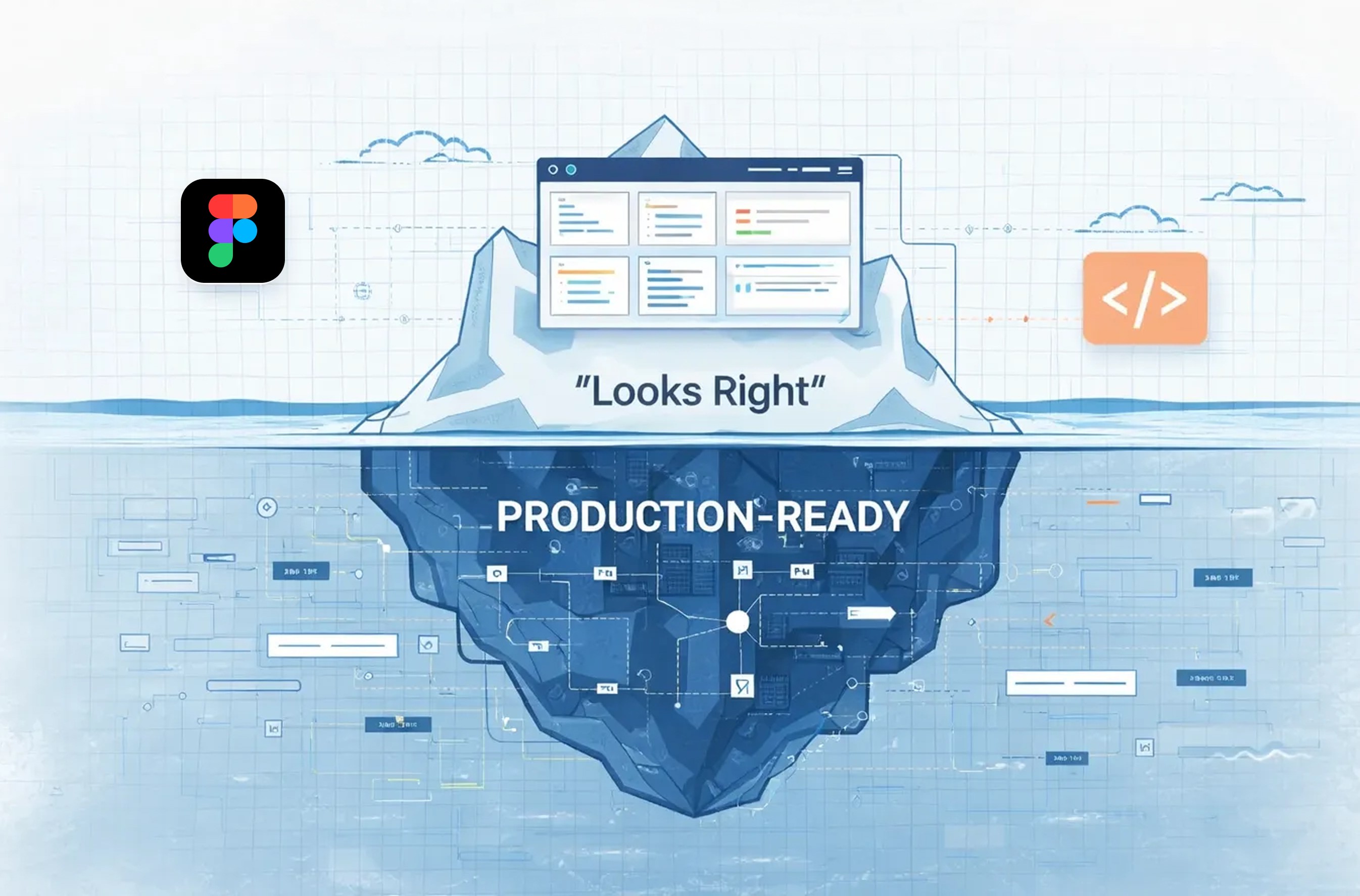
Why “Seamless” Figma-to-Code Is a Myth — and What Actually Makes UI Production-Ready
Most teams think their biggest UI challenge is speed.
It isn’t.
The real bottleneck is accuracy at scale—and that’s where most “seamless” Figma-to-production promises quietly fall apart.
This article breaks down why visual handoffs fail, why automation alone doesn’t fix the problem, and what actually works when teams want production-ready UI without endless rework.
The Hidden Cost of “Almost Right” UI
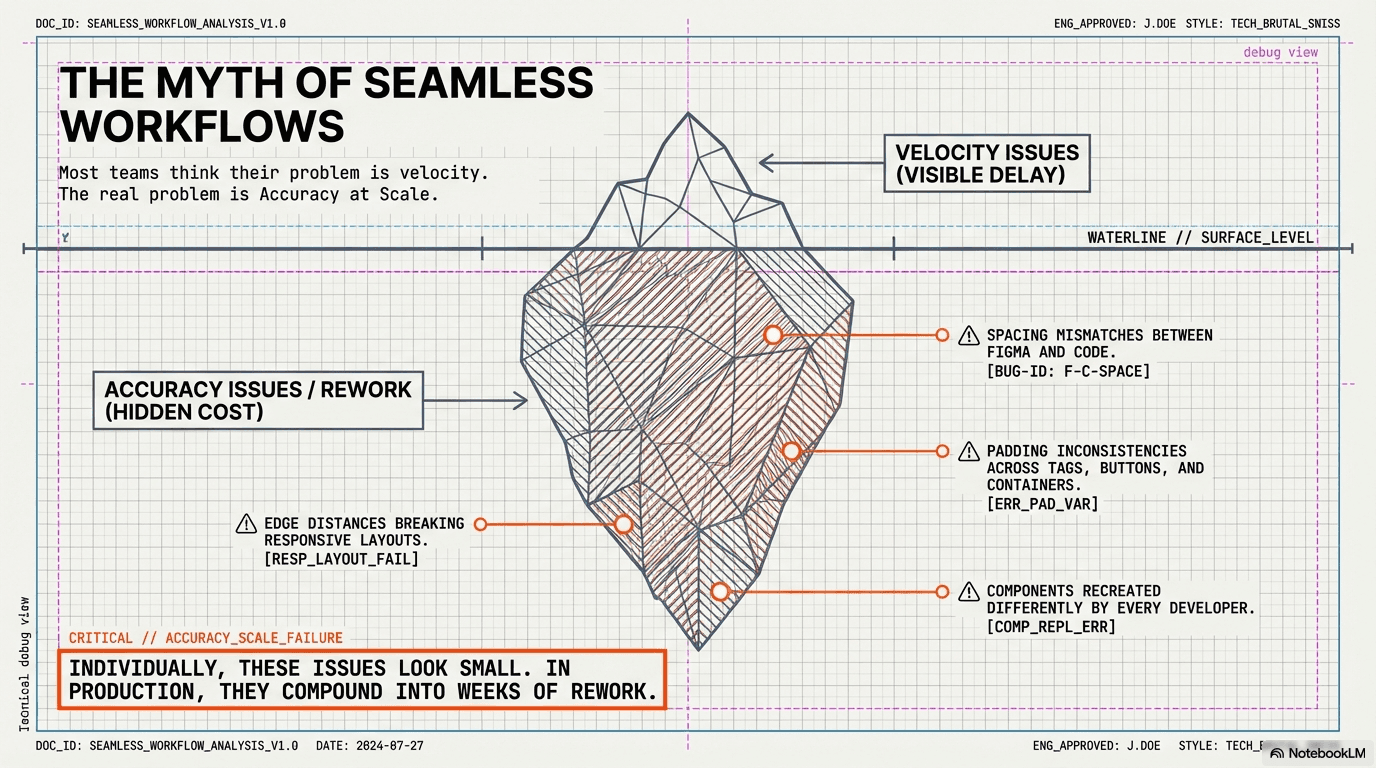
At first glance, the issues seem minor:
Spacing that’s a few pixels off
Padding that changes slightly between components
Buttons rebuilt differently by different developers
Responsive layouts that break at certain widths
Individually, these feel harmless.
In production, they compound into:
Repeated QA cycles
Inconsistent UI behavior
Weeks of rework hidden behind “small fixes”
Velocity doesn’t die because code is hard.
It dies because teams keep correcting interpretation errors.
Why Traditional Figma → Dev Handoffs Break Down
The problem isn’t Figma.
It isn’t developer skill.
It isn’t effort.
It’s a flawed assumption:
“Design is visual. Developers will interpret it correctly.”
That assumption works at small scale—and collapses at real ones.
It fails when:
Components look similar but behave differently
Spacing is implied, not specified
Design and code use different naming systems
Updates land in Figma but never propagate system-wide
Design becomes static.
Development becomes interpretive.
And interpretation is what breaks at scale.
Why ‘Looks Right’ Is Not Production-Ready
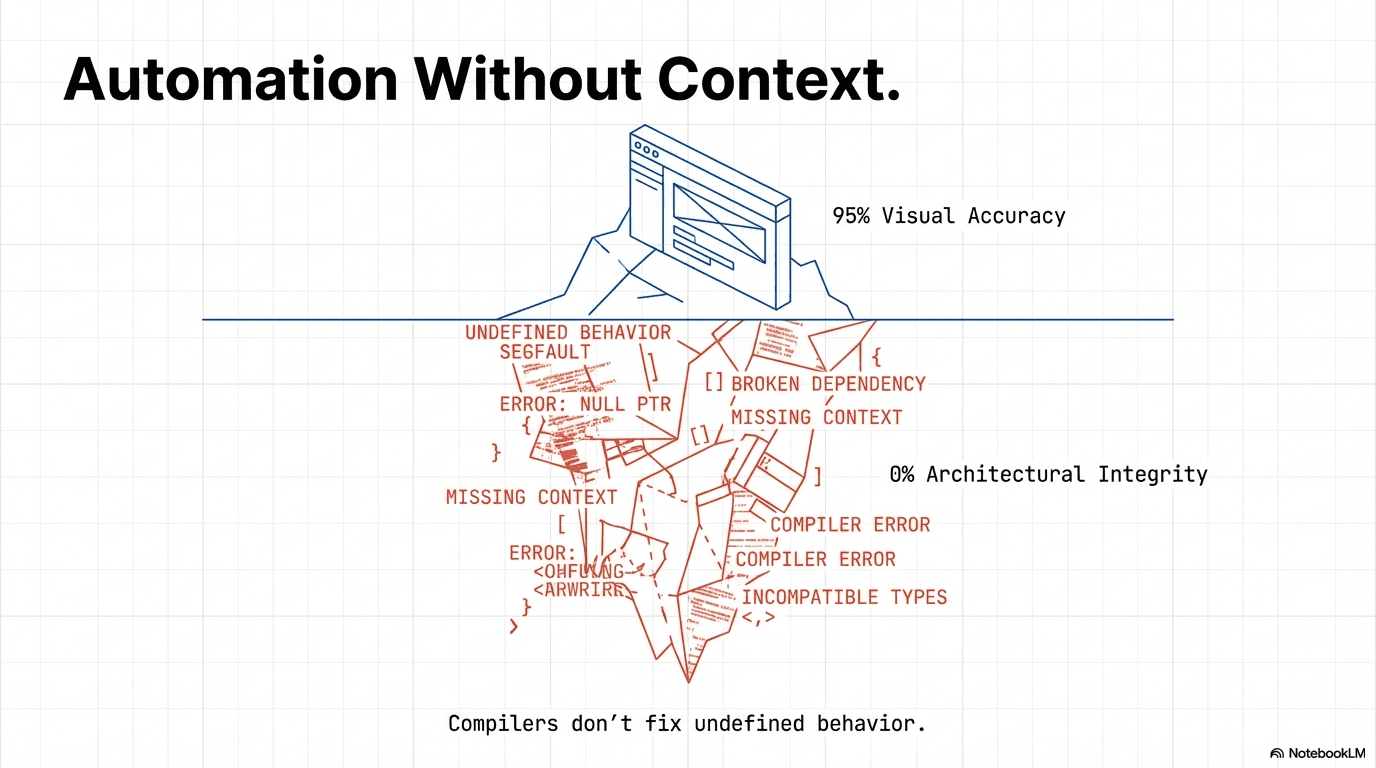
Automation tools can generate UI that looks correct.
That’s not the same as being correct.
In real projects, teams found that automated outputs often:
Recreate components instead of reusing them
Define styles at page level instead of system level
Ignore existing architecture
Break internal conventions
The UI passes a visual check—but fails an engineering one.
Automation without context doesn’t remove ambiguity.
It just accelerates it.
The Shift That Changes Everything
The breakthrough comes from flipping the question.
Instead of asking:
“How can developers match the design?”
High-performing teams ask:
“How can designs behave like code?”
That shift forces a new operating model.
The New Operating Rules for Scalable UI
Production-ready teams follow a few non-negotiable principles:
Figma is a source of truth, not a visual reference
Every design decision must be deterministic
Design output must be reproducible
Anything that can’t be expressed as a component or parameter is a defect
No visual-only exceptions
Designs must fail loudly, not silently
This isn’t ideology.
It’s how scalable systems survive.
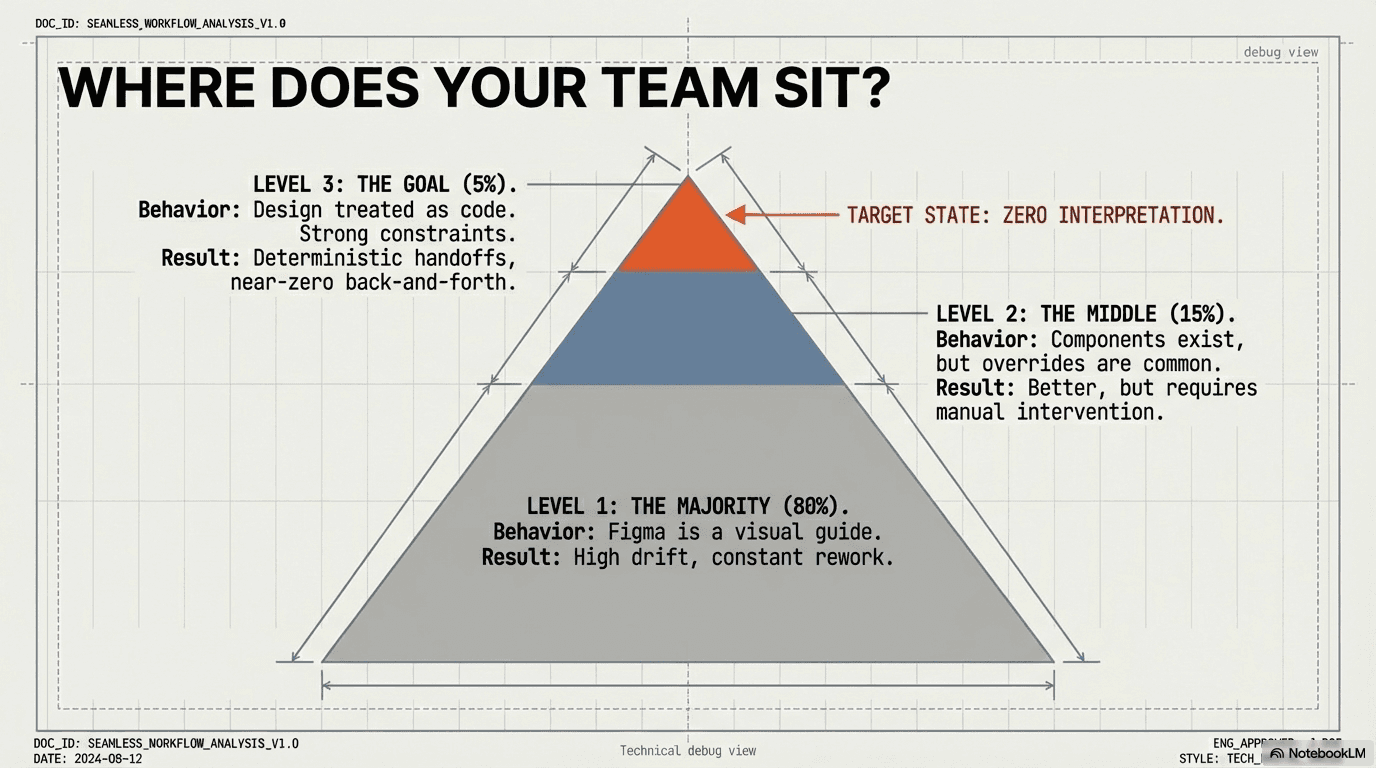
Where Most Teams Actually Sit
In practice:
70–80% treat Figma as a visual guide
15–20% have partial systems but allow overrides
5–10% treat design like code
That top tier sees:
Fewer handoffs
Fewer bugs
Near-zero back-and-forth
And once teams reach this level, they almost never go back.
The Velocity Shift
When design and engineering share a single structure:
Screens move from hours to minutes
Guesswork disappears
Delivery becomes predictable
The surprising outcome?
Design often becomes the heaviest lift—not development.
And that’s a good problem to have.
The Final Word
Production-ready UI isn’t about better tools.
It’s about a shared vocabulary.
When design follows engineering logic, AI stops being a helper and becomes a multiplier.
That’s when production stops being fragile—and starts being predictable.